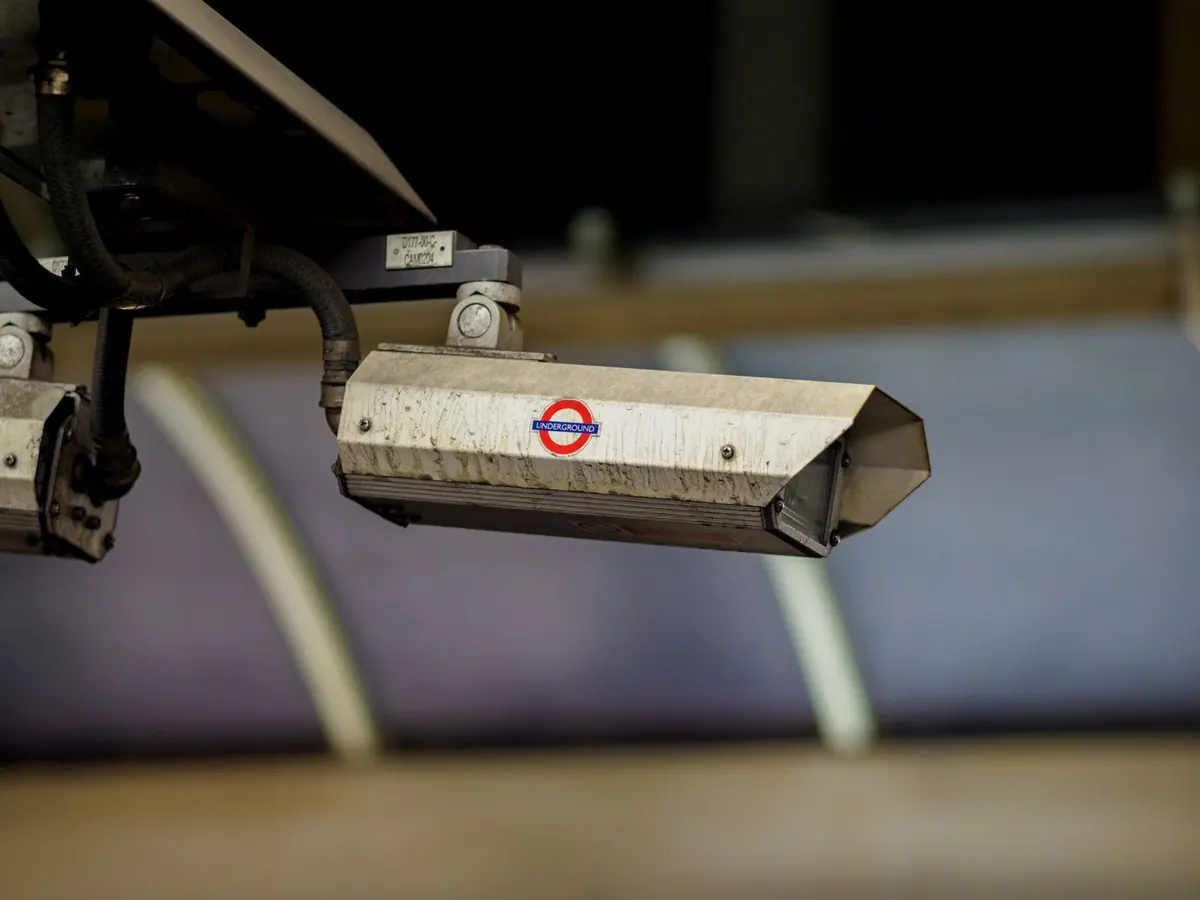
A camera aimed at your own front door can be genuinely useful. Aim it two feet too far left and it also records your neighbor's kitchen window, which turns a simple purchase into an awkward conversation. Most camera problems are not dramatic hacks. They come from setup choices made in a hurry on a Saturday afternoon: the password nobody changed, the cloud plan nobody read, the login shared with a dog sitter two years ago and never revoked.
This is the checklist worth running through before anything gets screwed into a wall.
Before You Mount Anything, Study the View
Mount the camera loosely, or hold your phone where the camera will sit, and look at the live view at different times of day. Daylight and infrared night mode show very different scenes. A lens that seems pointed at your driveway during the day may catch a neighbor's bedroom through the window once the lights are on.
Ask yourself three questions about the frame:
- Does it capture a neighbor's window, door, or yard?
- Does it look into a shared hallway, courtyard, or parking space you do not own?
- Does it record audio by default?
That last one catches people out. Many cameras ship with a microphone enabled, and audio recording is treated more strictly than video in a lot of places. If you do not need sound, turn it off. Video and audio rules also vary widely by country, state, and even city, and lease terms and building rules add another layer, so if a neighbor, landlord, or shared space is involved, check your local rules or ask a qualified professional rather than assuming.
Where you can, use the app's privacy masking feature to black out the parts of the frame you should not be watching. It takes two minutes and removes most of the argument.
A quick word for renters
Read your lease before drilling. Many rental agreements restrict exterior mounting, and brick or siding repairs come out of your deposit. No-drill mounts, window mounts, and doorbell cameras that clamp onto an existing frame are usually safer. Renters should also expect to remove and patch everything at move-out.
Change the Default Password Before the Camera Sees Anything
Default credentials are still the most common way cameras end up in someone else's hands. Bots scan the internet around the clock looking for the login pages that ship with a device, and admin/admin is not a secret.
Set the camera up on your own network, log in for the first time, and immediately change the password to a long, unique passphrase you have not used anywhere else. Then work through the settings most people skip:
- Change the camera's username if the firmware allows it.
- Disable UPnP and any automatic port-forwarding option.
- Turn off peer-to-peer or remote cloud access if you only watch from home.
- Update the firmware before you trust it, and turn on automatic updates if available.
- Set up the manufacturer account with a different password and enable two-factor authentication.
If your camera has a web interface, check whether it is reachable from outside your network. If you can open it in a browser while on mobile data, so can anyone who guesses the address.
Know Where Your Footage Actually Lives
Cloud storage is convenient and worth understanding. Clips leave your house, sit on a company's servers, and are governed by a retention policy you agreed to and probably did not read. Look for three things: how long recordings are kept, whether the vendor can access them, and how the company responds to outside requests for footage.
Marketing language is worth reading carefully here. "Encrypted" can mean the clip is scrambled while travelling and stored on a server where staff can still view it. End-to-end encryption means only your device holds the key, which is stronger but often disables features like person detection.
Some practical habits:
- Shorten retention to the minimum you actually need. A week is usually plenty.
- Prefer local storage, such as a recorder or an encrypted memory card, if you do not need remote access.
- Remove or lock the memory card if the camera sits somewhere a stranger can reach it.
- Review the plan before you buy a second and third camera, since pricing and features change between tiers.
Guest Access Is the Weakest Link
Most breaches of a home camera system are not clever. They are an old roommate's login that still works, or a single password handed to a cleaner, a contractor, and a neighbor.
Open the app and find the shared users or guest access screen. Read the list out loud. Anyone you would not call today should be removed. Where the app supports it, create separate logins instead of sharing one, so you can see who watched what and revoke one person without disturbing everyone else.
Also separate the camera from your other devices. Put cameras on a guest network or an isolated Wi-Fi network, if your router supports it. A camera running outdated firmware should not have a direct path to the laptop where you do your banking.
What to Do When a Neighbor Objects
If someone raises a concern, resist the urge to argue about what is technically legal. Offer to show them the live view, adjust the angle, or add a mask over their property. Nine times out of ten, someone who can see that the camera is not filming their living room stops worrying about it. Document the change with a photo of the new angle, in case the conversation comes up again through a landlord or building management.
A Pre-Installation Checklist
- Walk the view at day and night; check for neighbor windows and shared space.
- Turn off audio unless you have a reason for it.
- Add privacy masks over anything that is not your property.
- Read the lease, HOA, or building rules about exterior mounting.
- Replace the default password with a unique passphrase and change the username.
- Enable two-factor authentication on the camera account.
- Update firmware and disable UPnP and remote access you do not use.
- Choose local or cloud storage deliberately; shorten retention.
- Audit the shared user list and remove everyone who no longer needs access.
- Put cameras on a separate network from your computers and phones.
Put a Reminder in Your Calendar
Camera settings rot quietly. Firmware goes stale, free trials convert to paid plans, and access lists fill up with people who moved out years ago. Twice a year, spend ten minutes doing three things: install pending updates, re-read the shared user list, and check the retention setting. Do the same check any time someone leaves the household or a roommate moves out.
None of this requires technical skill. It requires ten quiet minutes at the start and a small amount of honesty about what your camera can see. Do that, and the camera does its job without creating a new one.
Photo: Brett Jordan / Pexels